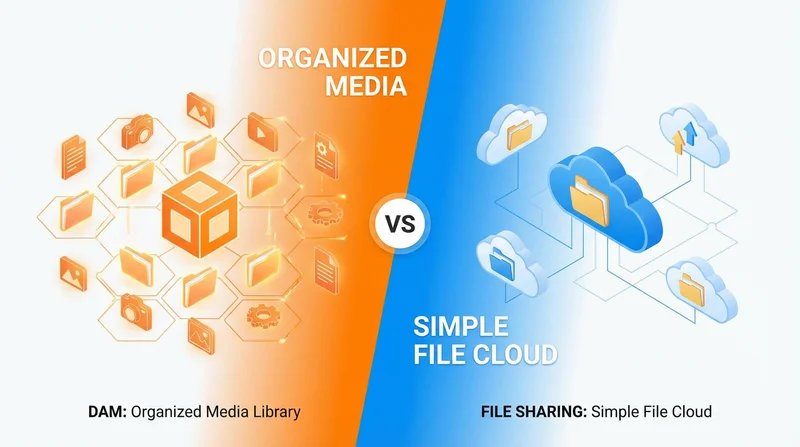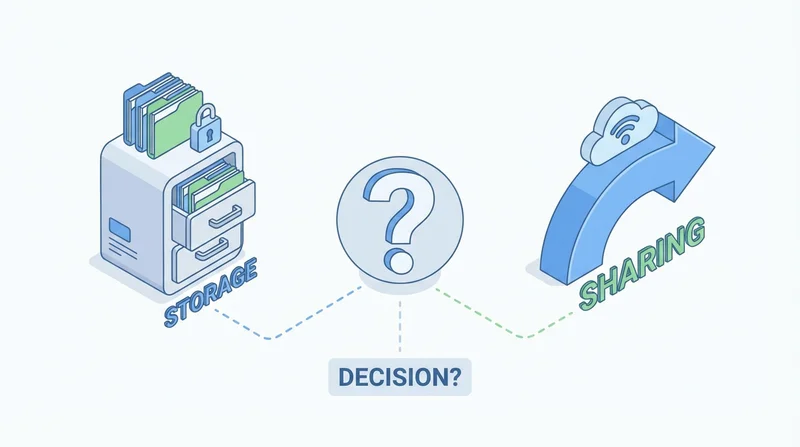
Cloud storage and file sharing serve different purposes, though they overlap. Understanding when to use each helps you choose the right tool for each situation.
Cloud Storage: What It Is
Cloud storage is like a hard drive in the cloud:
- Store files long-term
- Sync across devices
- Backup your data
- Access your files anywhere
Best For
- Personal file backup
- Syncing files across your devices
- Long-term document storage
- Working files you access regularly
Examples
Dropbox, Google Drive, OneDrive, iCloud
File Sharing: What It Is
File sharing focuses on sending files to others:
- Upload and create share links
- Send to recipients
- Track downloads
- Control access
Best For
- Sending files to clients
- Delivering project files
- Sharing large files
- Temporary access to files
Examples
GetShared, WeTransfer, SendAnywhere
Key Differences
| Aspect | Cloud Storage | File Sharing |
|---|---|---|
| Primary purpose | Store your files | Send to others |
| Duration | Long-term | Often temporary |
| Sync | Yes, across devices | Usually no |
| Recipient needs | Often account required | No account needed |
| Large file focus | Variable | Usually strong |
| Tracking | Limited | Often detailed |
When to Use Cloud Storage
- You need files on multiple devices
- Long-term storage and backup
- Working with same files over time
- Personal file management
When to Use File Sharing
- Sending files to external recipients
- Client deliverables
- Large files that need fast delivery
- Time-limited access (expiring links)
- Professional presentation (branding)
Using Both
Many organizations use both:
- Cloud storage for internal file management
- File sharing for external delivery
GetShared complements cloud storage by providing excellent external sharing capabilities.