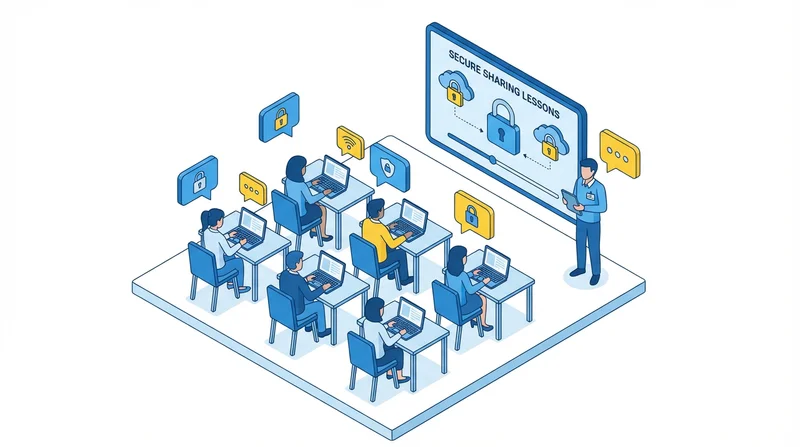
Your employees are your first line of defense against data breaches – and also your biggest vulnerability. Even the most secure file sharing technology can be undermined by untrained users. This guide covers how to effectively train employees on secure file sharing practices.
Why Training Matters
Human error causes the majority of data breaches:
- Accidentally sharing with wrong recipients
- Using weak passwords
- Falling for phishing attacks
- Using unauthorized tools (shadow IT)
- Ignoring security features
Training transforms employees from security liability to security asset.
Core Training Topics
1. Data Classification
Employees must recognize sensitive data:
- Personal information (names, addresses, SSNs)
- Financial data
- Health information
- Confidential business information
- Customer data
2. Company Policies
Clear understanding of:
- What can and cannot be shared externally
- Approved file sharing tools
- Required security features
- Incident reporting procedures
3. Security Features
How to use security controls:
4. Threat Recognition
Identifying security threats:
- Phishing emails requesting files
- Social engineering attempts
- Suspicious share requests
- Fake login pages
5. Incident Response
What to do when something goes wrong:
- Who to contact
- What information to provide
- How to contain the issue
Training Delivery Methods
Initial Onboarding
All new employees should receive security training during onboarding. Cover basics before they start handling sensitive files.
Annual Refreshers
Security training should be repeated annually to:
- Reinforce key concepts
- Cover new threats
- Update on policy changes
Just-in-Time Training
Quick reminders when relevant:
- Before major projects involving external sharing
- After security incidents
- When new features are rolled out
Simulated Scenarios
Practice exercises:
- Simulated phishing emails
- Security scenarios to work through
- Practical demonstrations
Creating Training Materials
Quick Reference Guides
One-page documents covering:
- Step-by-step secure sharing process
- When to use which security features
- Who to contact for help
Video Tutorials
Short videos showing:
- How to set passwords on shares
- How to set expiration dates
- How to enable 2FA
Policy Documentation
Clear, accessible policy documents that employees can reference.
Measuring Training Effectiveness
Track metrics to evaluate training:
- Security incident rates
- Policy compliance audits
- Phishing simulation results
- Employee feedback
Common Mistakes to Avoid
- One-time training only – Security needs ongoing reinforcement
- Too technical – Keep training accessible to all skill levels
- No practical examples – Show real scenarios
- Blame culture – Encourage reporting, don't punish mistakes
Building a Security Culture
Training is part of broader security culture:
- Leadership demonstrates security practices
- Security is discussed openly
- Good practices are recognized
- Questions are welcomed
Conclusion
Effective employee training:
- Covers data recognition, policies, and tools
- Uses multiple delivery methods
- Includes practical exercises
- Is repeated regularly
- Builds security culture
See also: breach prevention, security best practices, remote team security.