Automating repetitive file sharing tasks saves hours every week. From scheduled uploads to triggered notifications, workflow automation makes file sharing more efficient and error-free.
Common Automation Opportunities
Scheduled Distribution
- Daily/weekly/monthly reports
- Regular data exports
- Recurring client deliverables
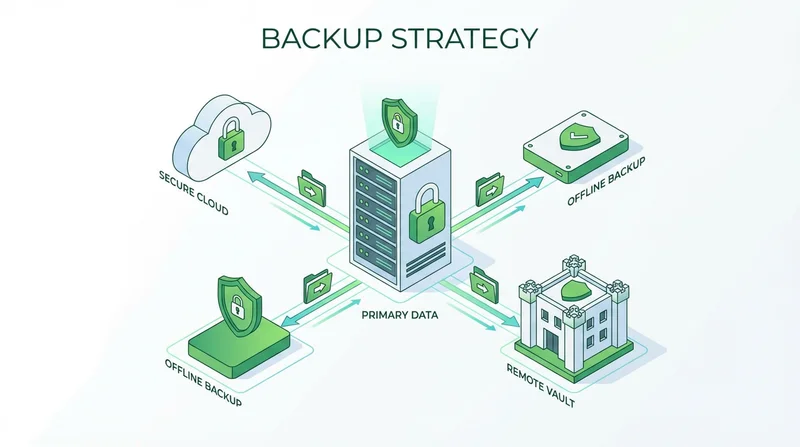
- Backup operations
Triggered Actions
- Share files when added to folder
- Notify when downloads occur
- Alert on upload completion
- Deliver when project status changes
Bulk Operations
- Upload multiple files efficiently
- Create shares in batch
- Update permissions across files
Automation Approaches
No-Code Tools
Platforms like Zapier and Make connect services without coding:
- Visual workflow builders
- Pre-built connectors
- Quick to set up
API Integration
For custom automation, use file sharing APIs:
- Full control over logic
- Integrate with any system
- Handle complex scenarios
Scripts
Custom scripts for technical users:
- Python, PowerShell, Bash
- Scheduled with cron or Task Scheduler
- Maximum flexibility
Example Workflows
Weekly Report Distribution
- Reporting tool generates PDF
- File saved to monitored folder
- Automation uploads to cloud
- Creates password-protected link
- Emails link to stakeholders
Client Project Delivery
- Project marked complete in PM tool
- Triggers upload of deliverables
- Creates branded share link
- Notifies client automatically
Best Practices
- Start simple, add complexity gradually
- Test thoroughly before production
- Monitor for failures and errors
- Document your automations
- Have manual fallback procedures