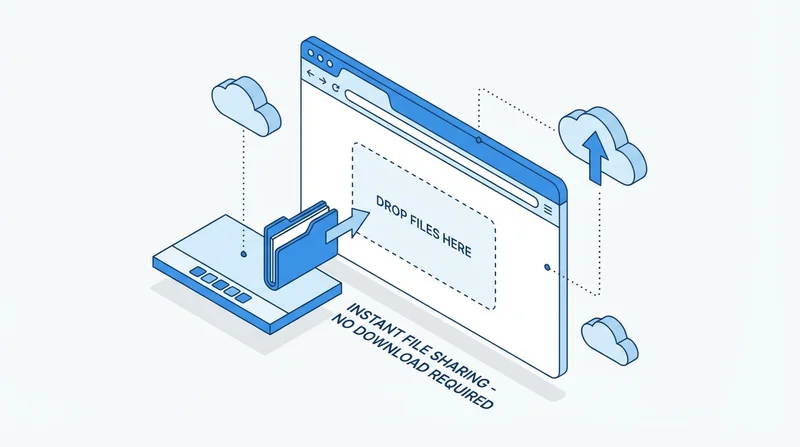
Browser-based file sharing works anywhere without installing anything. No app downloads, no IT approvals, no compatibility concerns – just open a browser and share.
Benefits of Browser-Based Sharing
Universal Access
- Works on any computer or device
- Any operating system (Windows, Mac, Linux, Chrome OS)
- Any browser (Chrome, Firefox, Safari, Edge)
- Mobile devices with browsers
No Installation Required
- No software to download
- No IT approval needed
- Works on restricted computers
- No version compatibility issues
Instant for Recipients
- No account creation needed
- Click link and download
- No onboarding friction
GetShared Browser Experience
Uploading
- Drag and drop files into browser
- Select files via file picker
- Upload entire folders
- See progress in real-time
Managing
- Full dashboard in browser
- Organize files and folders
- Create share links
- View analytics
Sharing
- Generate share links
- Add password protection
- Set expiration
- Track downloads
When Apps Are Better
Desktop/mobile apps may be better for:
- Ongoing sync needs
- Offline access requirements
- Background uploads/downloads
- Heavy daily usage
Mobile Browser
Works great on mobile browsers too:
- Upload photos/videos from phone
- Access shared files
- Share with others
See mobile sharing guide for more.
Conclusion
Browser-based file sharing offers:
- Maximum compatibility
- Zero installation
- Instant access
- Full functionality
Try GetShared – works in any browser.