Sharing files does not have to be permanent. When projects end, relationships change, or security concerns arise, you need to revoke access quickly and completely.
When to Revoke Access
- Project completed – No longer need access to deliverables
- Relationship ended – Client, vendor, or employee departure
- Security concern – Suspected unauthorized access or sharing
- Accidental sharing – Wrong file or wrong recipient
- Information outdated – Old versions should not be accessible
- Compliance requirement – Regulation requires time-limited access
How to Revoke in GetShared
- Go to your shared files dashboard
- Find the share you want to revoke
- Click share settings or manage button
- Select disable or delete link
- Confirm the action
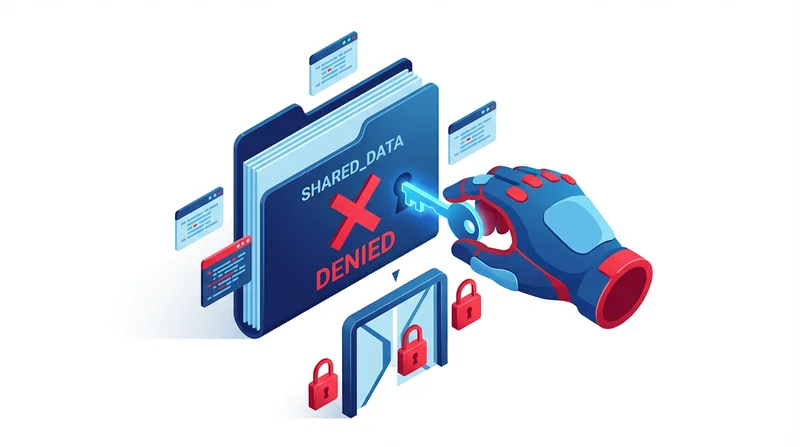
Once revoked, the link immediately stops working. Anyone trying to access sees an error page.
What Happens After Revocation
- Share link returns error page
- Original files remain in your storage
- Download history is preserved
- You can create a new link if needed later
Prevention: Use Expiration Instead
Better than manual revocation: set automatic expiration when creating shares.
- Access revokes itself after set time
- No manual intervention needed
- Reduces forgotten active shares
For Team Members
When team members leave:
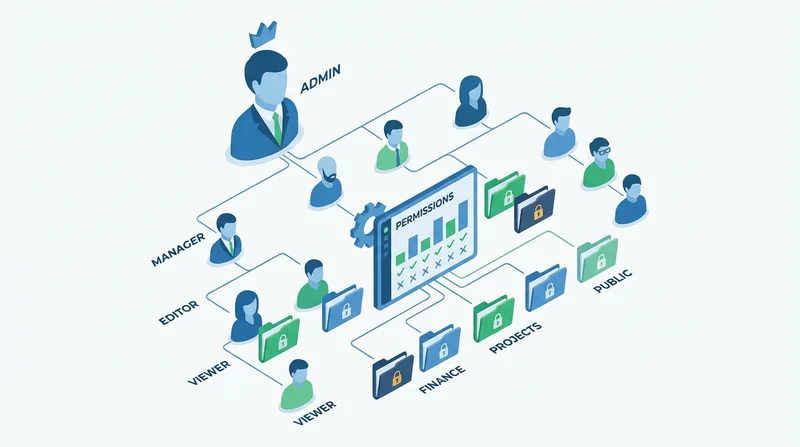
- Remove their account access
- Review shares they created
- Update shared folder permissions
- Consider revoking external shares they made
Best Practices
- Review active shares regularly
- Set expiration at creation when possible
- Document why access was revoked
- Notify recipients if appropriate
- Have clear policies for access duration
See also: breach prevention guide.