File sharing usually works seamlessly, but sometimes things go wrong. This troubleshooting guide covers the most common issues and how to resolve them quickly.
Upload Problems
Issue: Upload Fails or Gets Stuck
Possible causes:
- File exceeds size limit
- Unstable internet connection
- Browser issues
- File is corrupted
Solutions:
- Check file size against service limits
- Try a wired connection instead of WiFi
- Try a different browser
- Try uploading a smaller test file
- Clear browser cache and retry
Issue: Upload is Very Slow
Solutions:
- Check your upload speed (most connections have slow upload)
- Close other applications using bandwidth
- Upload during off-peak hours
- Consider compressing files first
Download Problems
Issue: Can't Access Shared Link
Possible causes:
- Link has expired
- Wrong password
- Download limit reached
- Link was revoked
Solutions:
- Check if link has expiration date
- Verify password with sender
- Request new link from sender
Issue: Downloaded File is Corrupted
Solutions:
- Re-download the file
- Check file integrity with checksum
- Try downloading with different browser
- Ask sender to re-upload if issue persists
Account and Access Issues
Issue: Can't Log In
Solutions:
- Reset password
- Check if 2FA is required
- Clear browser cookies
- Contact support if locked out
Issue: Don't See Shared Files
Possible causes:
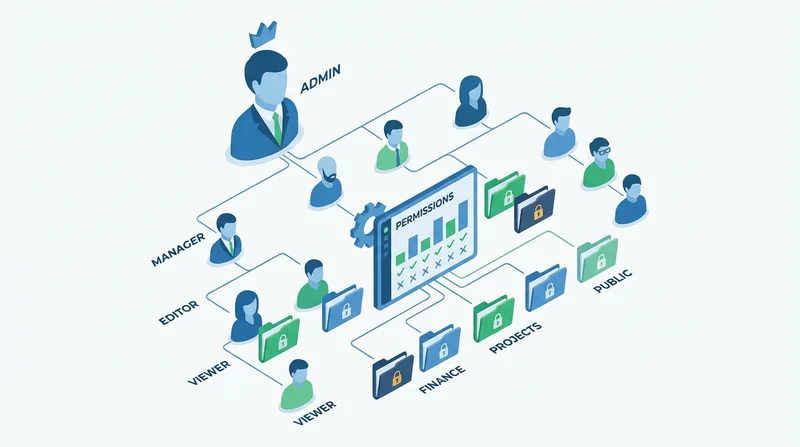
- Permissions not set correctly
- Wrong folder
- Files were deleted
Solutions:
- Check you're in correct folder
- Ask admin to verify permissions
- Check if files were moved or deleted
Email/Link Issues
Issue: Recipient Says They Didn't Get Link
Solutions:
- Check spam/junk folder
- Verify email address is correct
- Resend via different method
- Use tracking to see if opened
Performance Issues
Issue: Service is Slow
Solutions:
- Check your internet connection
- Try different browser
- Check service status page
- Try at different time
Getting Help
If issues persist:
- Check service help documentation
- Contact support with specific details
- Include error messages and screenshots