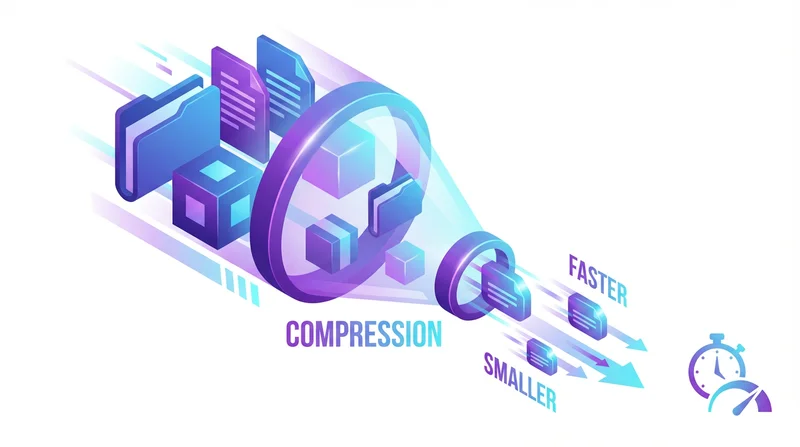
File compression can significantly reduce transfer times – but not always. Understanding when compression helps, which formats to use, and best practices ensures you save time rather than waste it.
When Compression Helps
High Compression Potential
- Text files – HTML, CSS, code, logs (70-90% reduction)
- Office documents – Word, Excel, PowerPoint (40-70%)
- Uncompressed images – BMP, TIFF, RAW (50-80%)
- Database exports – SQL, CSV (70-90%)
Minimal Compression Benefit
- Already compressed images – JPEG, PNG (1-5%)
- Compressed video – MP4, MKV, WebM (0-2%)
- Compressed audio – MP3, AAC (0-2%)
- Existing archives – ZIP, RAR (0%)
Most media files are already compressed. Trying to compress them again wastes time without reducing size.
Compression Formats
| Format | Compression | Speed | Compatibility |
|---|---|---|---|
| ZIP | Good | Fast | Universal |
| 7z | Best | Slow | Needs software |
| RAR | Very Good | Medium | Needs software |
Recommendation: Use ZIP for sharing – everyone can open it without special software.
How to Compress
Windows
Right-click files → Send to → Compressed (zipped) folder
Mac
Right-click files → Compress
When NOT to Compress
Time Trade-off
If compression time exceeds transfer time saved, skip it:
- 10GB of JPEGs: Compression takes 10 min, saves 2 min. Not worth it.
- 10GB of logs: Compression takes 5 min, saves 30 min. Worth it.
Fast Connections
With gigabit internet, transfer may be faster than compression.
Modern Services
GetShared handles large files efficiently. Often easier to just upload originals.
Best Practices
- Compress text and documents
- Don't compress already-compressed media
- Use ZIP for universal compatibility
- Consider total time, not just file size
For sharing large files without compression hassle, just use GetShared.