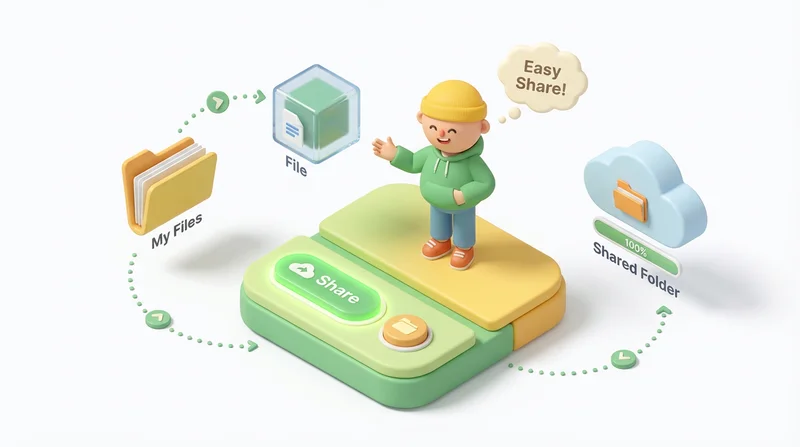
Not everyone is comfortable with technology. Sharing files with non-tech-savvy recipients requires simplicity – minimize steps, avoid jargon, and make the process foolproof.
Principles for Non-Tech Users
Minimize Steps
- One click to download
- No account required
- No software installation
Clear Communication
- Plain language instructions
- Avoid technical terms
- Explain what they'll see
Visual Guidance
- Screenshots if helpful
- Step-by-step if needed
- Highlight the download button
Best Practices
Use Universal Formats
- PDF for documents (everyone can open)
- JPEG for photos
- MP4 for video
Include Instructions
Sample message:
"Hi! Click the link below to download the photos. You'll see a blue Download button – click it and the files will save to your computer. Let me know if you need help!"
Offer Support
- Provide your contact info
- Offer to call and walk through
- Be patient with questions
What to Avoid
- ZIP files (extraction confuses some)
- Requiring accounts
- Technical jargon
- Multiple steps
- Obscure file formats
GetShared for Non-Tech Recipients
GetShared is designed for simplicity:
- Click link → see download page → click download
- No account needed
- Works in any browser
- Clear, simple interface
Try GetShared for easy sharing.