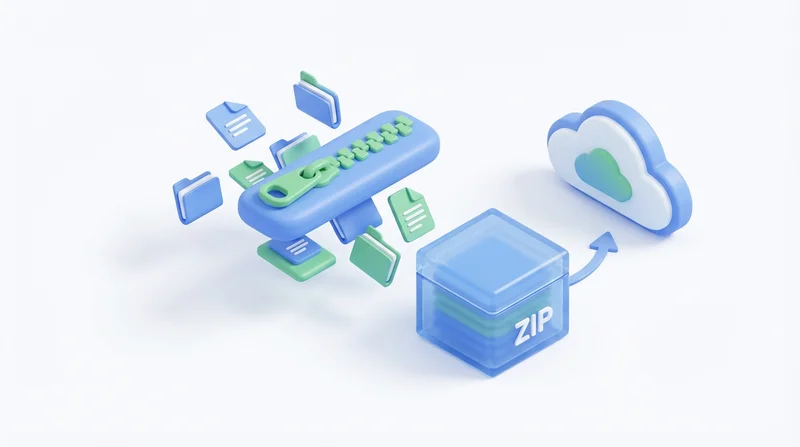
ZIP files are universal, but sharing them can have complications. Email blocks them, recipients can't open them, or files appear corrupted. This guide covers common ZIP sharing problems and solutions.
Common Problems
Problem: Email Blocks ZIP Attachments
Cause: Many email systems block ZIPs for security (can contain malware).
Solution: Don't email ZIP files. Use GetShared to upload and send a link instead.
Problem: ZIP Too Large for Email
Cause: Email attachments typically limited to 25MB.
Solution: Use file sharing service – no size limits. See bypassing email limits.
Problem: Recipient Can't Open ZIP
Possible causes:
- Incomplete download (corrupted)
- ZIP64 format not supported by old software
- Encryption incompatibility
Solutions:
- Re-download the file
- Try different extraction software (7-Zip)
- Ask sender to recreate with standard settings
Problem: Corrupted After Transfer
Solutions:
- Re-download
- Verify with checksum (integrity verification)
- Try different browser/download method
Best Practices
Creation
- Use standard ZIP format (not advanced compression)
- Test extraction before sending
- Use descriptive archive name
Sharing
- Share via link, not email attachment
- Include contents description
- Provide extraction instructions if needed
Security
ZIP encryption is weak. Better to:
- Use GetShared password protection on the share link
- More secure and easier for recipients
Platform Issues
Mac ZIPs on Windows
Macs add hidden files (__MACOSX, .DS_Store). Annoying but harmless.
Large ZIPs (4GB+)
Require ZIP64 format. Modern software handles this, but older tools may fail.
Better Alternative
Rather than dealing with ZIP complications, share folders directly via GetShared:
- Preserves folder structure
- No compression/extraction needed
- Track downloads
- Add security controls
Try GetShared for hassle-free file sharing.